From barcode to product details
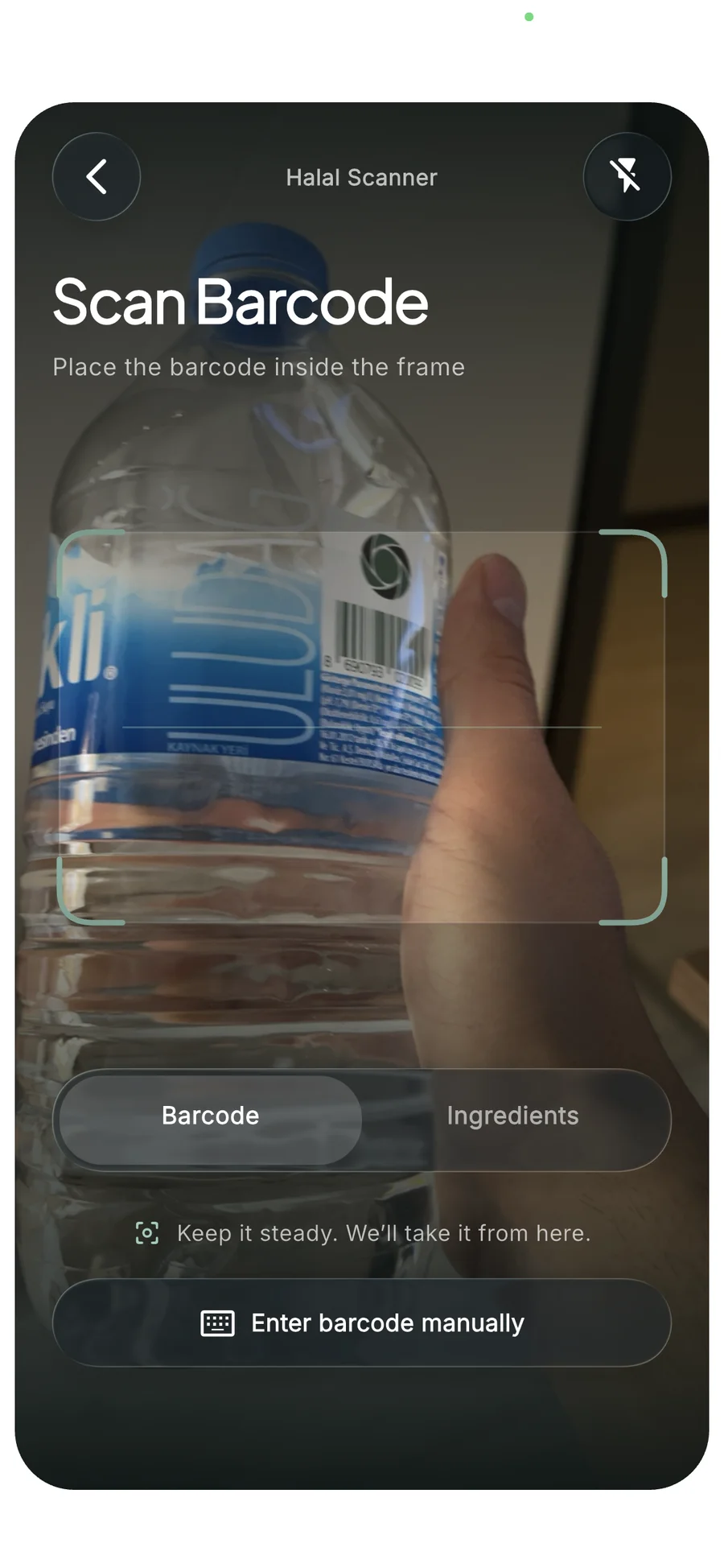
Scan a barcode or enter it manually to explore product information and ingredients from Open Food Facts.
Barcode and ingredient screening
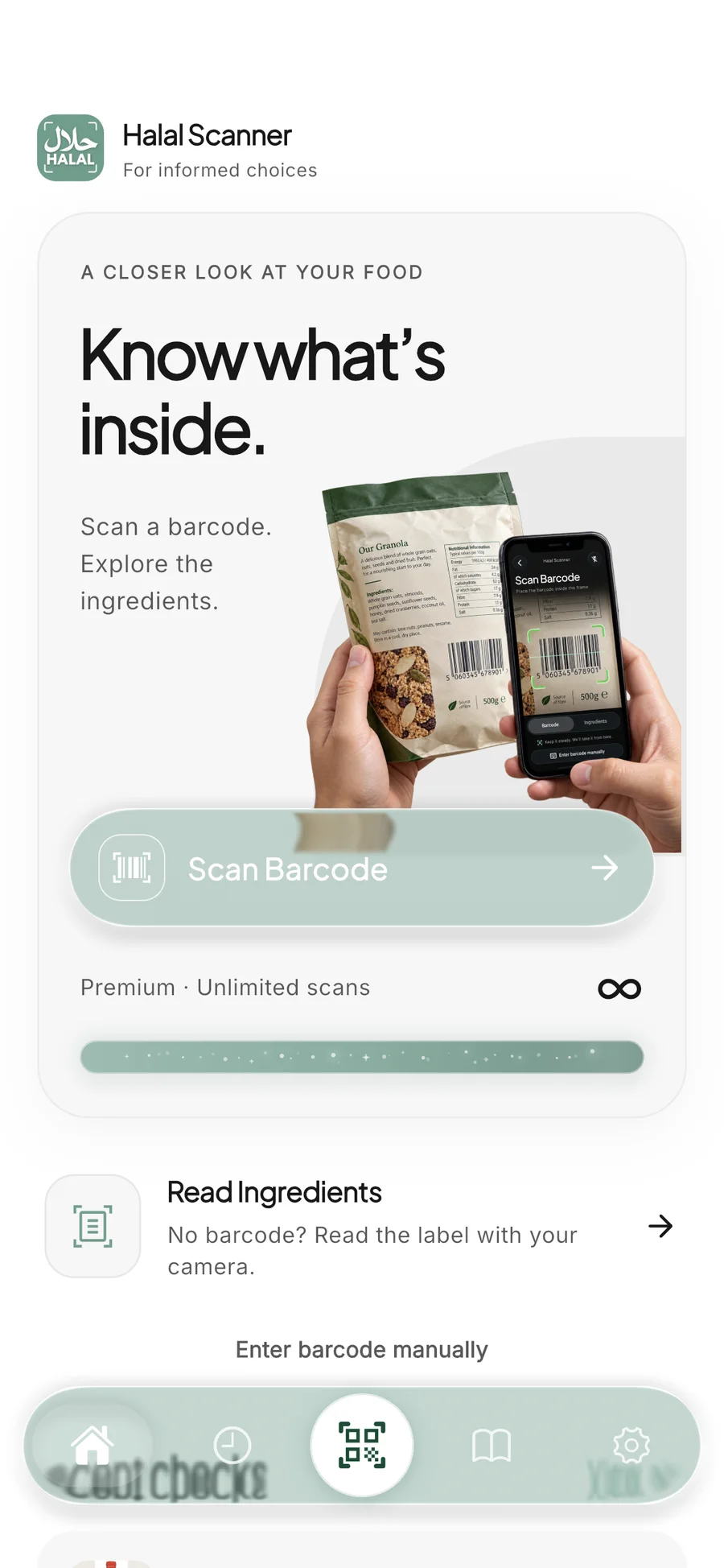
Take a closer look at what’s in your food.
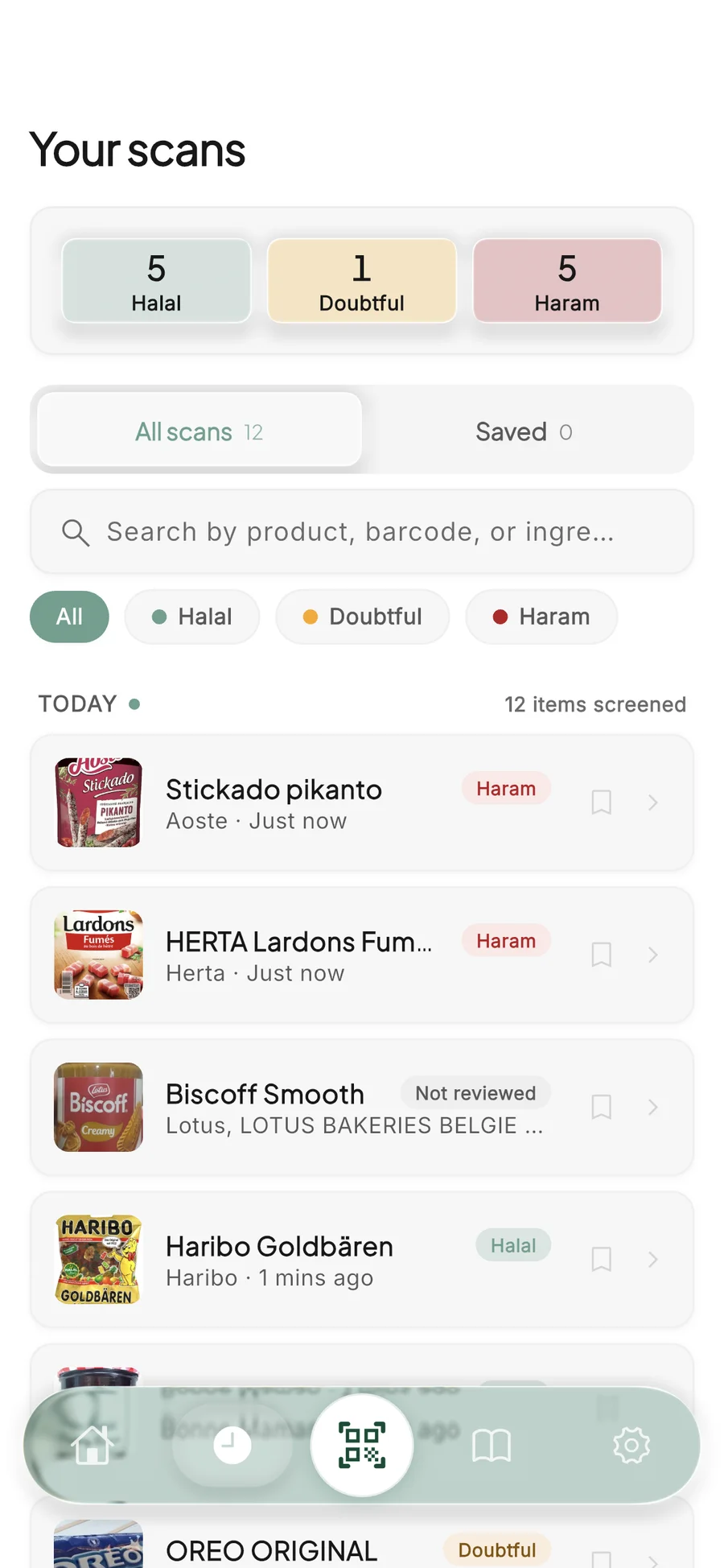
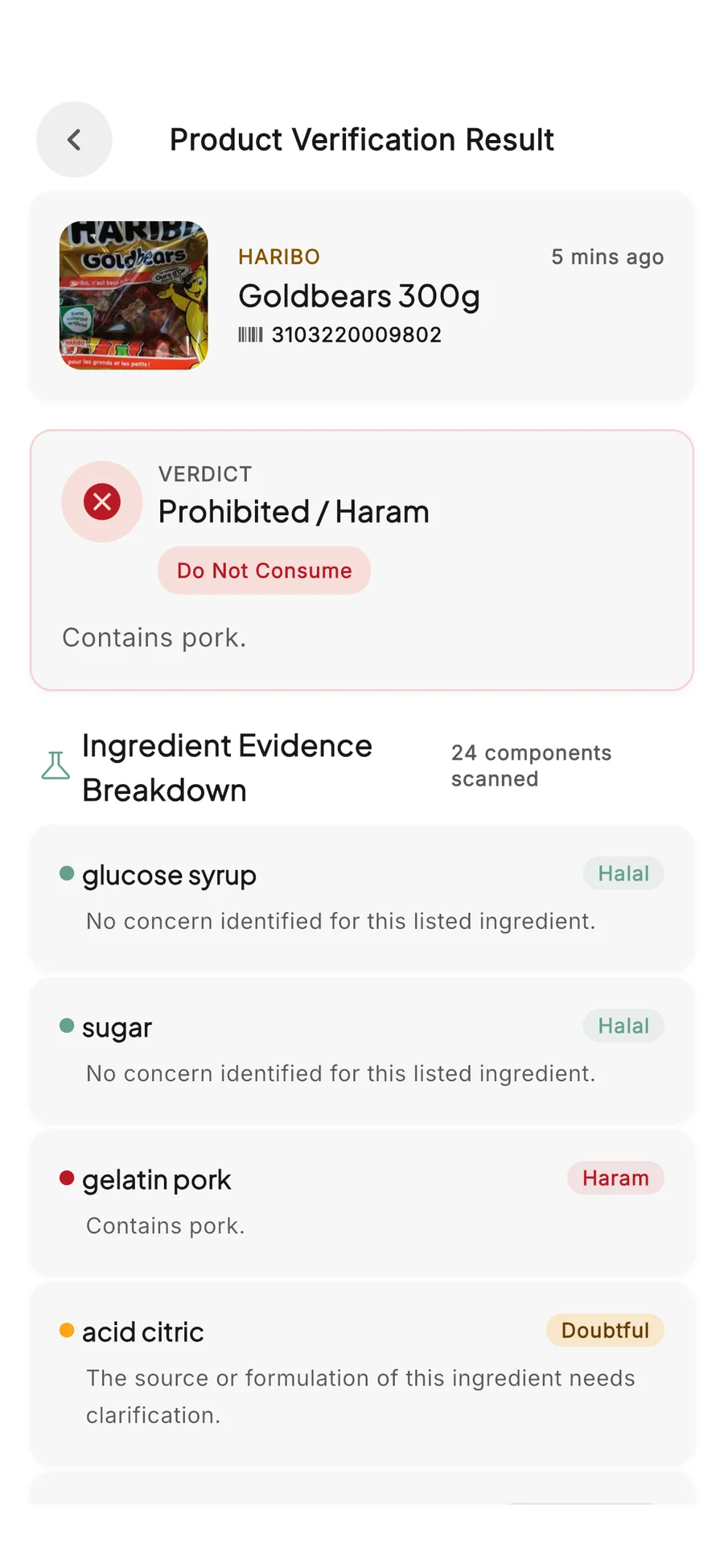
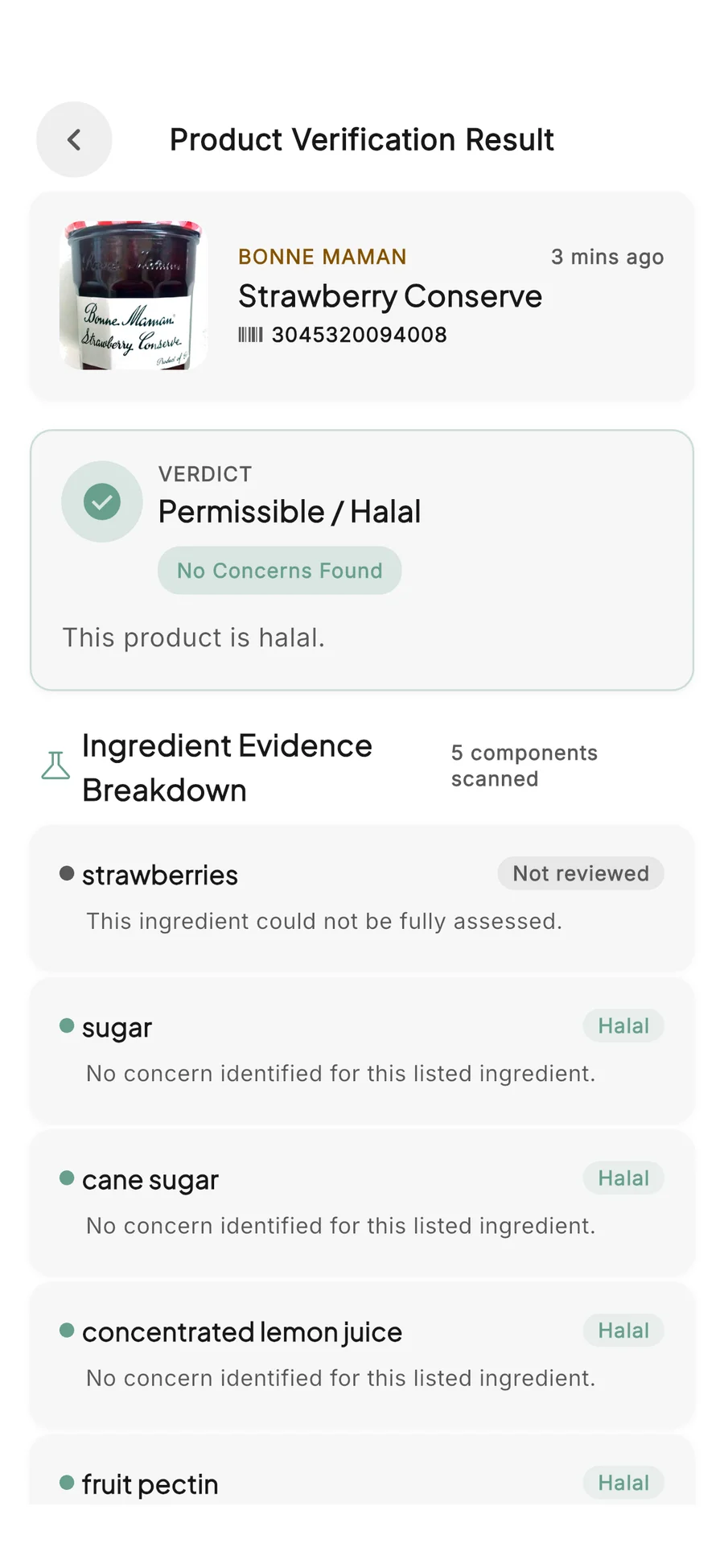
Scan a barcode or read an ingredient label with your camera. Explore halal, haram, doubtful and not-reviewed ingredient indicators with explanations, and revisit your previous scans.
[01] Product overview
Scan a barcode or read an ingredient label with your camera. Explore halal, haram, doubtful and not-reviewed ingredient indicators with explanations, and revisit your previous scans.
Scan a barcode or enter it manually to explore product information and ingredients from Open Food Facts.
No barcode? Photograph the ingredient label, then review and edit the text recognized on your device before screening it.
See ingredient-level explanations, filter your scan history and save products. Results are informational and do not replace halal certification or religious guidance.
[02] Inside the product
Five development previews of the home screen, barcode scanner, scan history and ingredient assessments. Coming soon.